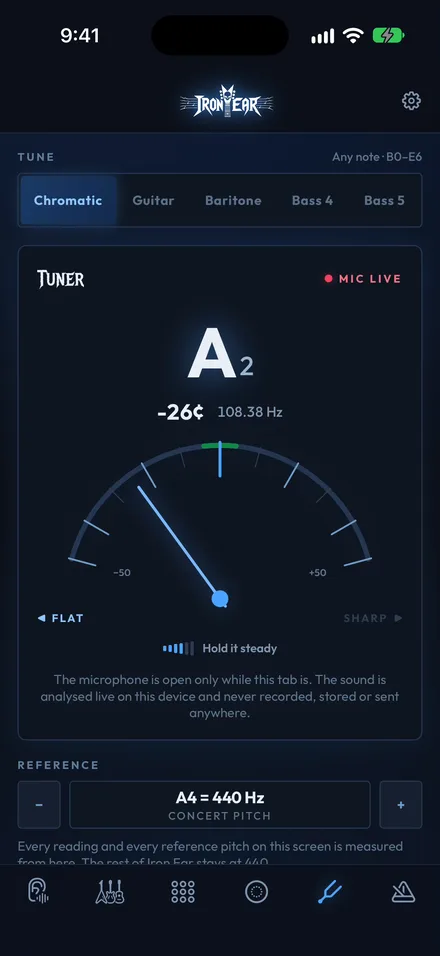
Tune Up. Turn Up.
Instant chromatic tuning for guitar, baritone and bass. Dead Accurate!
It listens through the microphone, reads your pitch in real time, and the audio never leaves the phone. Nothing is recorded, nothing is stored.

Iron Ear · For iPhone and iPad
Ear training and fretboard theory for guitar, baritone and bass. Ninety-nine cents, once. No ads, no subscription, no account, no tracking, and no network connection, ever.
 Coming soon to Android
Out now for iPhone and iPad. The whole app runs on your phone.
What’s inside
Six essential guitar tools. No subscriptions, no ads, no account — just you, your instrument and louder ideas.
Instant chromatic tuning for guitar, baritone and bass. Dead Accurate!
It listens through the microphone, reads your pitch in real time, and the audio never leaves the phone. Nothing is recorded, nothing is stored.
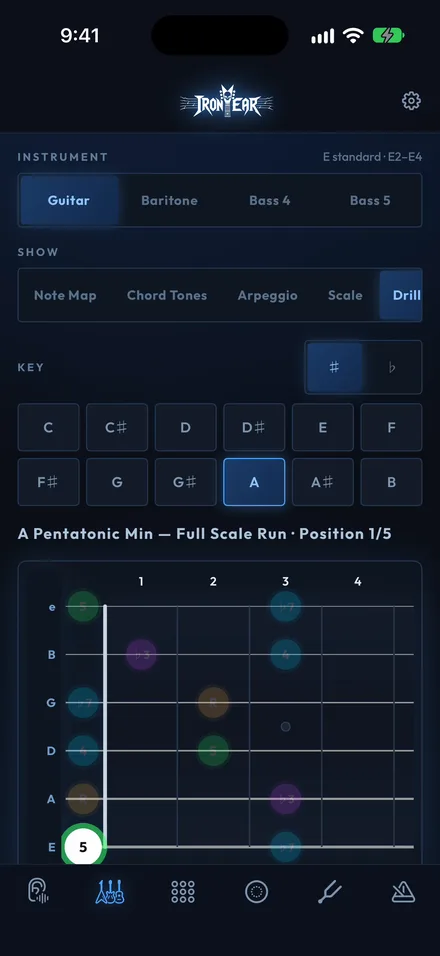
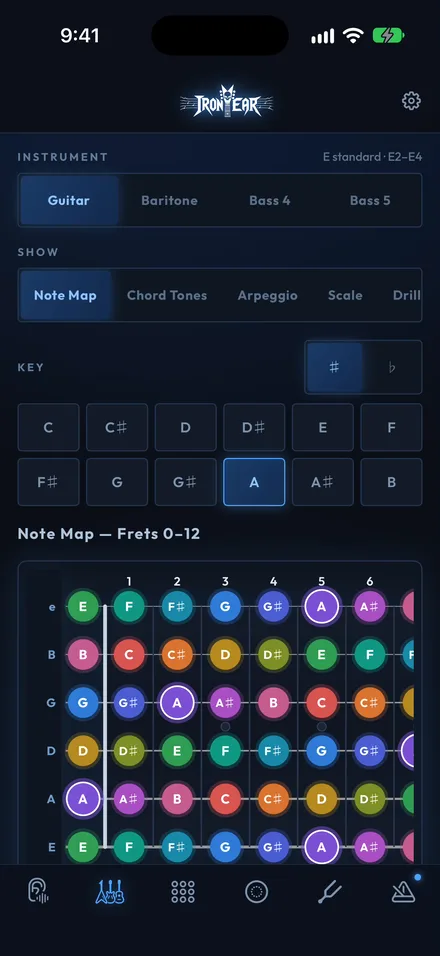
Every note. Every key. Every position.
The full neck for guitar, baritone and bass: note map, scale positions, shape boxes and three-notes-per-string patterns. Practice drills run at your tempo, in either direction, on a loop.
Every dot is tappable, and every tap sounds a real plucked string.
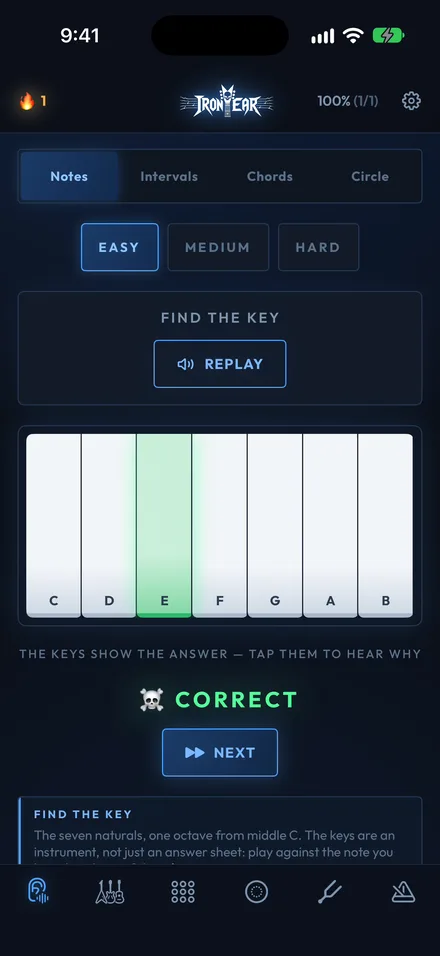
Train your ears. Trust your instincts.
Each runs easy, medium or hard. Chords adds an expert tier and any question can be replayed as many times as you need. Streaks and stats build up as you go, and they stay on the device.
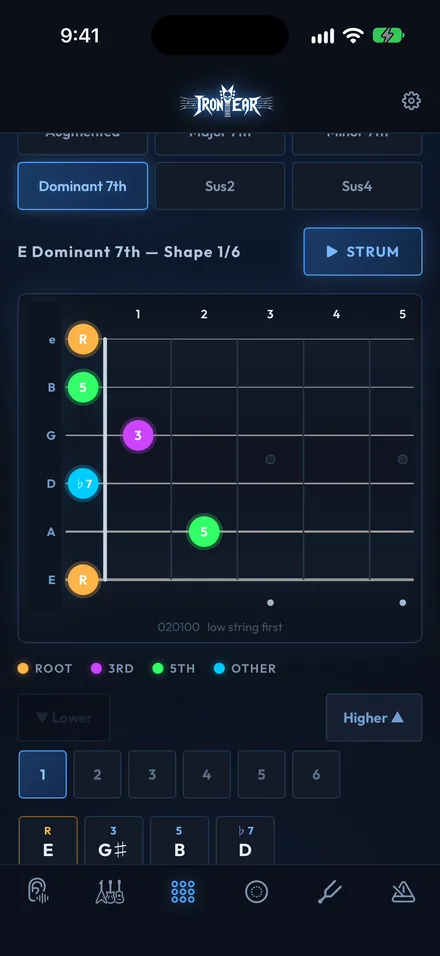
29 chord types. Every key. Every voicing.
A searchable chord library with playable diagrams, plus quick-pick shapes for the ones you reach for constantly.
Build mode works the other way round: put your fingers on the fretboard and Iron Ear tells you what you just played.
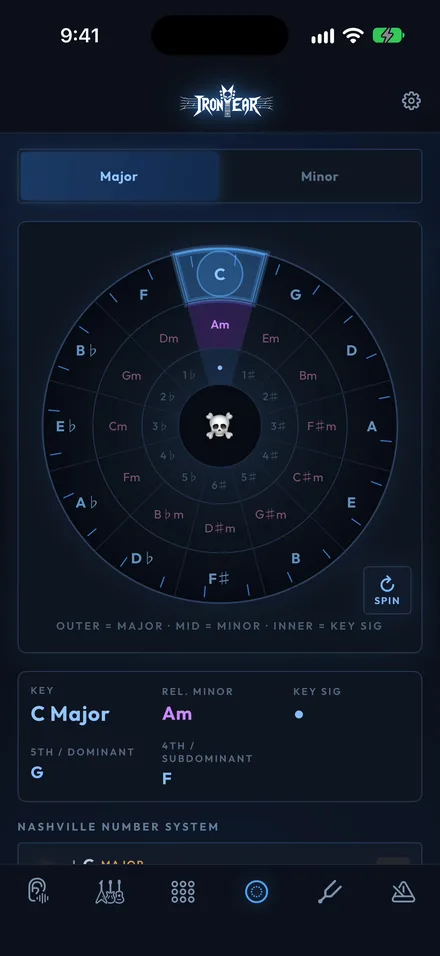
The Circle of Fifths, Nashville Numbers and progressions you’ll actually use.
An interactive wheel for keys, relative minors and key signature, the map that makes the rest of it click.
Tap a progression: I–IV–V and other Nashville-number rows and hear it played back in whichever key you land on.
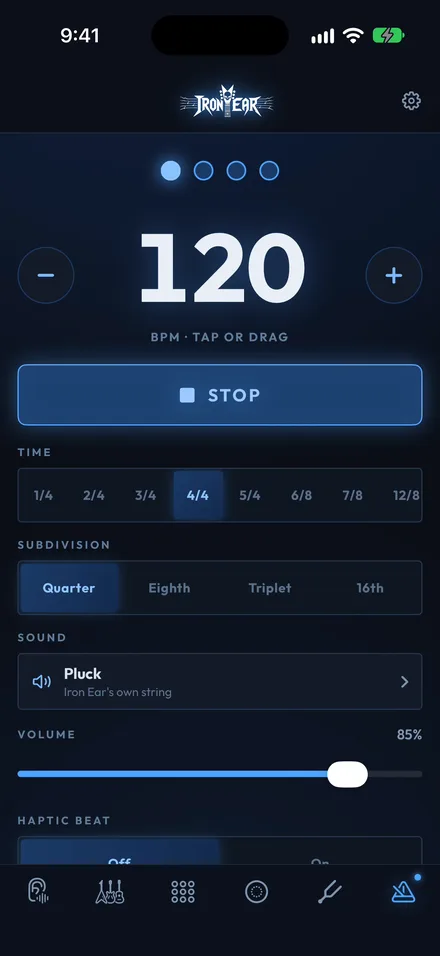
30 to 300 BPM, in your ears and in your hand.
A haptic beat you can feel in your hand. Start it and go work in any other tab. It keeps clicking, even under the lock screen.
New in 1.3
Two new tricks on the Circle of Fifths, and a metronome that comes with you.
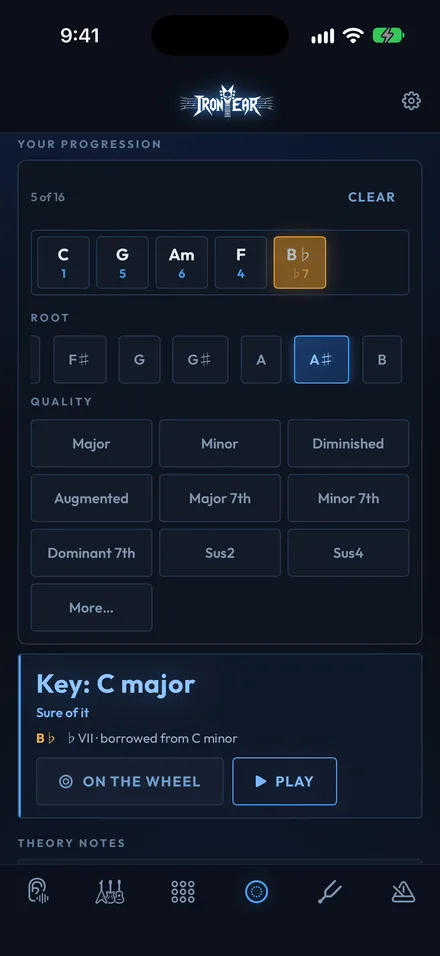
Your Progression. Tap in your chords, Iron Ear names the key and marks the borrowed ones.
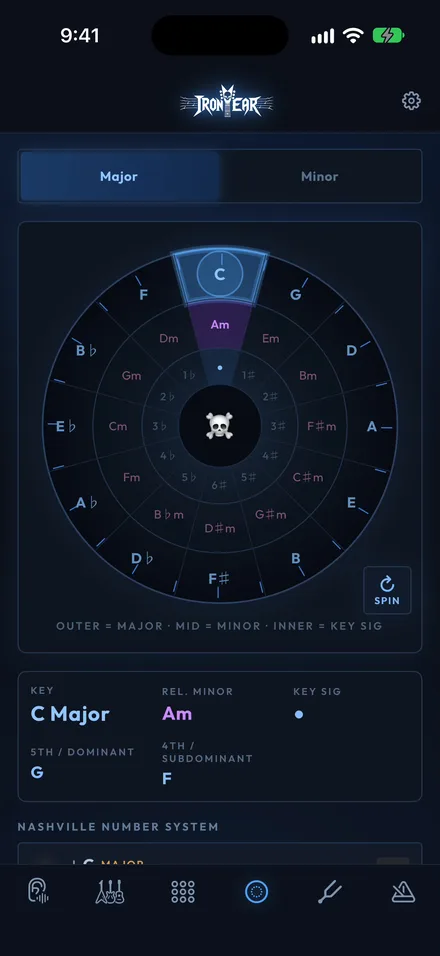
Spin. Spin the wheel to land on a key.
Always on. The click keeps going while you work in the other tabs.
Privacy
This isn’t a promise not to sell your data. There is nothing to sell: Iron Ear has no networking code in it at all. It never opens a connection, so nothing can leave your phone even by accident.
App Store privacy label
Data Not CollectedThe developer does not collect any data from this app. That is the whole label — there are no other rows to expand.
Iron Ear is made by one small studio, sold once for a dollar, and shipped without a single thing designed to keep tabs on you. If something is broken or missing, write to us — a person reads it.